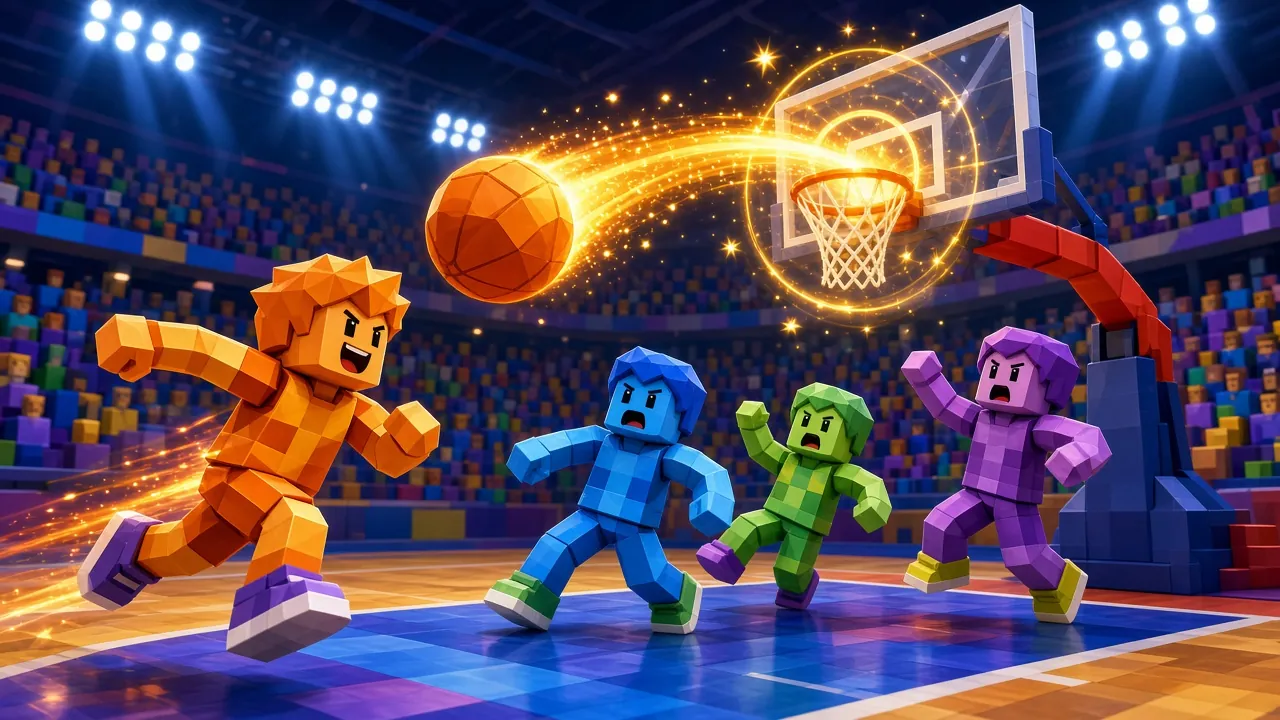
How to play Blink Stack Tower
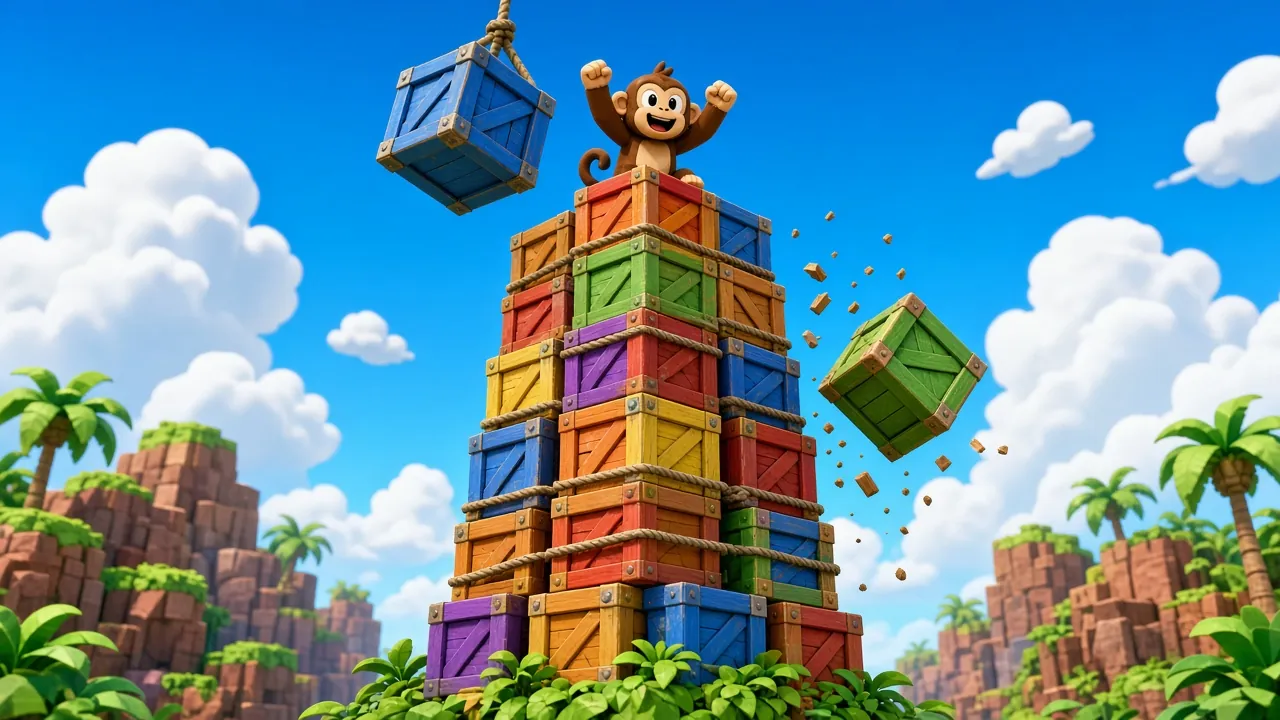
Blink Stack Tower is a free AR face tracking game you can play online with no download. FACE ONLY. A block swings back and forth at the top. BLINK to drop it onto the tower. Line it up — a block that misses by too much tumbles off and costs a heart. Perfect drops score double! It uses on-device AI tracking, so Blink Stack Tower turns any webcam or phone camera into a motion controller – a fun way to move, laugh and show friends what the browser can do.
Open Blink Stack Tower, allow camera access and hold still for a second while your face is detected. Video is processed on your device and never uploaded.
Controls
- Move or tilt your head (nose) to steer and aim.
- Open your mouth or blink for the special action shown on screen.
- Look straight at the camera at the start so the game can calibrate.
Tips
- Face a window or lamp – good light makes tracking far more accurate.
- Keep your whole face inside the frame, about an arm's length from the camera.
- Collect power-ups like shields, magnets and slow motion for big combos.
FAQ
Is Blink Stack Tower free to play?
Yes. Blink Stack Tower is completely free to play on ZappyDude (Premium members also play it ad-free). There is nothing to download or install.
How do I control Blink Stack Tower?
You play with your face (head, mouth and blinks). Move or tilt your head (nose) to steer and aim.
Is my camera video recorded?
No. Video is analysed live on your own device to control the game and is never recorded, stored or uploaded.
Which devices does Blink Stack Tower work on?
It works in Chrome, Edge, Firefox and Safari on Android phones, iPhones, tablets and computers with a camera; Chrome gives the best tracking.
Blink Stack Tower game guide
Goal of the game
In Blink Stack Tower you play with your face and head movements. A block swings back and forth at the top. BLINK to drop it onto the tower. Line it up — a block that misses by too much tumbles off and costs a heart.
Perfect drops score double!
Quick start
Blink Stack Tower in one line: Blink to drop each block — build the tallest tower for the monkey!
- Press Play on this page — Blink Stack Tower loads in a few seconds right in the browser.
- Tap Allow when the browser asks for the camera, then read the short tutorial card.
- Play your first run of Blink Stack Tower slowly to learn how it reacts to your face and head movements.
- After a game over, press Play again to try to beat your best.
Controls explained
- Quick reminder shown in Blink Stack Tower: BLINK drops the block!.
- Sit facing the camera with your whole face in view; Blink Stack Tower reads your nose position, blinks and mouth on your own device.
- Exaggerate actions a little — a clear blink or wide-open mouth registers more reliably in Blink Stack Tower than a tiny one.
- If Blink Stack Tower feels too hard at first, play a practice round to learn the timing before chasing a high score.
Scoring and levels
Perfectly timed or perfectly placed moves earn bonus points in Blink Stack Tower. You start with 3 lives. Your best score is saved in your browser, and signed-in players also appear on the Blink Stack Tower leaderboard.
Characters and world
The 3D world of Blink Stack Tower features blocks and monkeys. Learning how each one moves is the key to reading the screen quickly.
Tips and strategy
- Stay near the centre in Blink Stack Tower; it gives you the most room to dodge in either direction.
- Don't chase every pickup in Blink Stack Tower — grab only the ones on your safe path.
- Rhythm matters in Blink Stack Tower: watch one full cycle before you act, then act on the beat.
- Good, even lighting from the front makes tracking in Blink Stack Tower far more reliable than a bright window behind you.
- Replay Blink Stack Tower a few times: each run teaches you the patterns, and scores usually double after the first five games.
Device requirements and privacy
Blink Stack Tower needs a front-facing or web camera and works in Chrome, Edge and Safari on phones, tablets and computers. Allow camera access when asked; face tracking runs on your device and nothing is recorded or uploaded unless you choose to record a clip yourself. It is free to play; free players may see a short ad between rounds (never during play), and Premium removes all ads.