How to play Fireball Palm
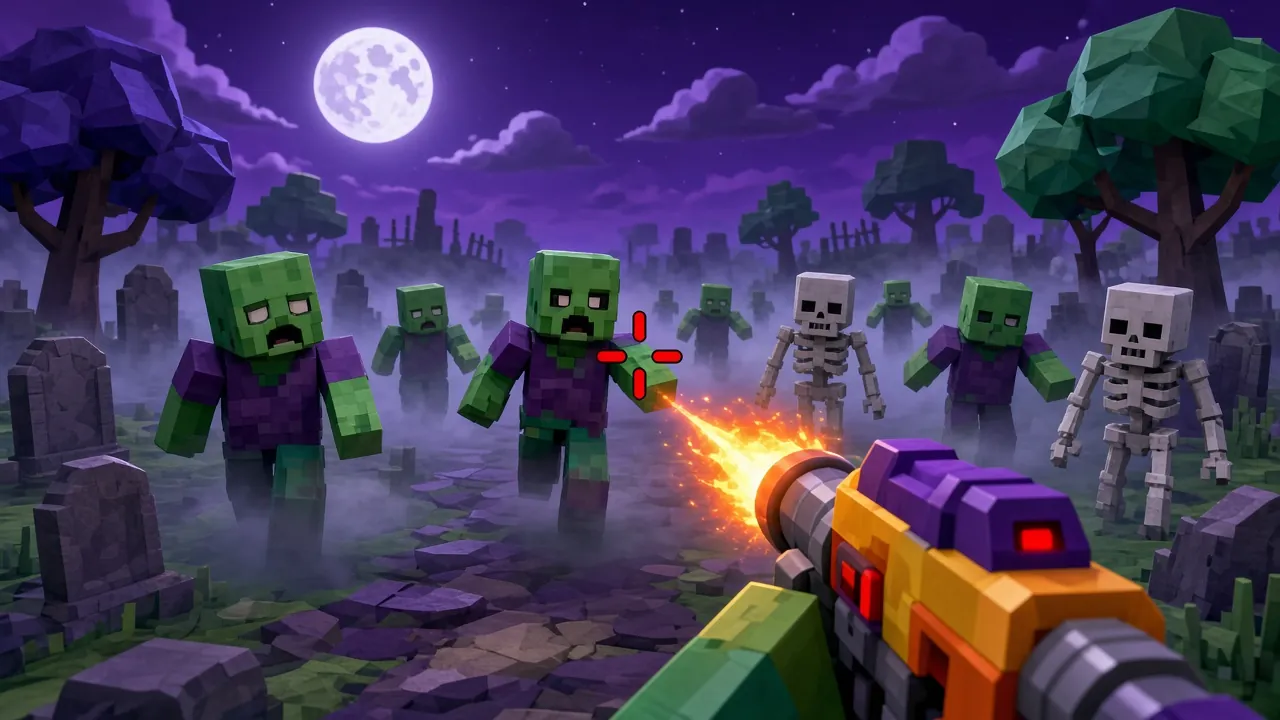
Fireball Palm is a free AR + voice game you can play online with no download. Move your NOSE (turn your head) to aim. A fireball charges by itself — SHOUT ("pew!", "fire!") — or blink / open mouth to throw it. Burn the monsters! No camera? Play with touch/mouse. Fireball Palm is made by ZappyDude, tested on phones and desktops, and loads in seconds without plugins or sign-up.
Fireball Palm runs instantly in your browser on phone or PC.
Controls
- Use the on-screen controls on mobile, or keyboard and mouse on desktop.
- Follow the in-game tutorial on the first level – it shows every move you need.
- Pause anytime from the menu; progress is saved in your browser.
Tips
- Upgrade early and often – progression matters more than speed.
- Try again: each run teaches you enemy patterns.
- Rotate your phone to landscape for a wider view, and like the game to find it again later.
FAQ
Is Fireball Palm free to play?
Yes. Fireball Palm is completely free to play on ZappyDude (Premium members also play it ad-free). There is nothing to download or install.
How do I control Fireball Palm?
You play with your face or hand plus voice commands. Use the on-screen controls on mobile, or keyboard and mouse on desktop.
Can I play Fireball Palm on a computer?
Yes. It works in any modern browser on Windows, Mac, Chromebook, Android and iPhone.
Which devices does Fireball Palm work on?
It works in Chrome, Edge, Firefox and Safari on Android phones, iPhones, tablets and computers.
Fireball Palm game guide
Goal of the game
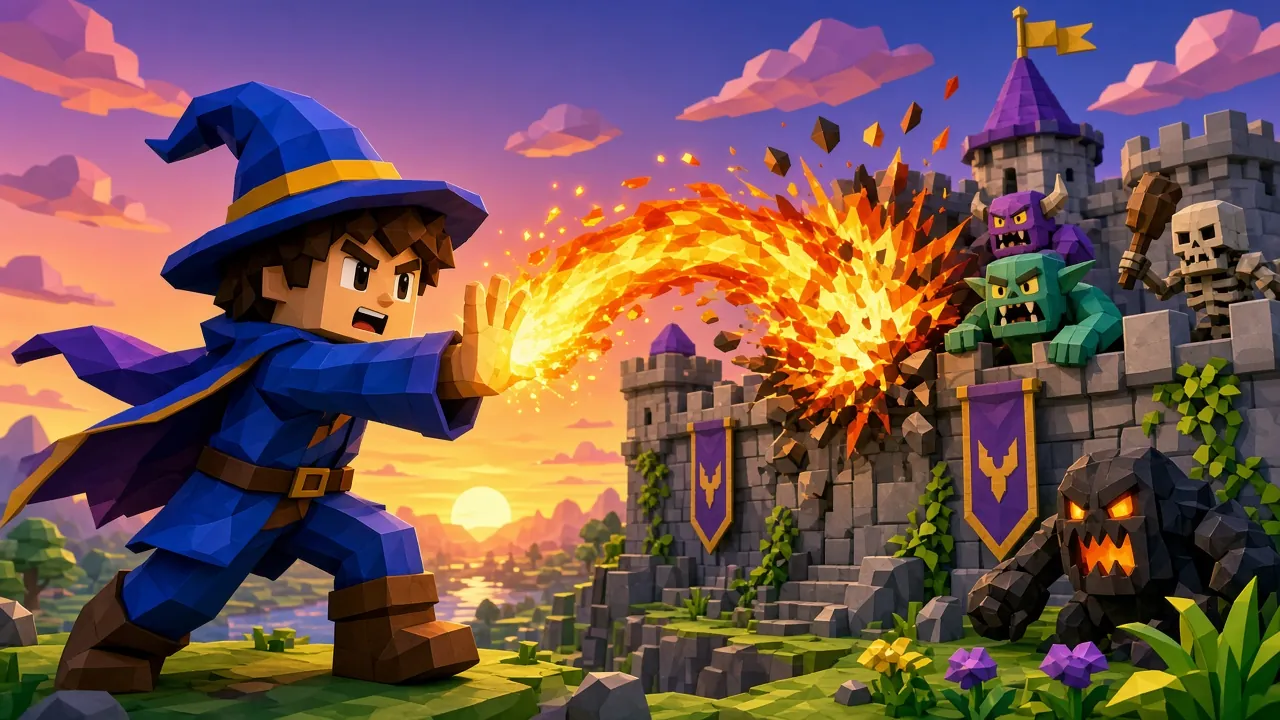
In Fireball Palm you play with your hand in front of the camera. PUSH hand forward (or tap) to throw. Burn the monsters!
Each run in Fireball Palm lasts until you lose your 3 lives, so the real goal is to survive longer and beat your own best score.
Quick start
Fireball Palm in one line: Charge, then lob arcing fireballs — bigger charge, bigger boom!
- Press Play on this page — Fireball Palm loads in a few seconds right in the browser.
- Tap Allow when the browser asks for the camera, then read the short tutorial card.
- Play your first run of Fireball Palm slowly to learn how it reacts to your hand in front of the camera.
- After a game over, press Play again to try to beat your best.
Controls explained
- Quick reminder shown in Fireball Palm: Open palm to charge · Push to throw!.
- Hold one hand about an arm's length from the camera so Fireball Palm can see your whole palm and fingers.
- Move slowly at first: Fireball Palm follows your fingertip in real time, and smooth movements are tracked more accurately than jerky ones.
- If Fireball Palm feels too hard at first, play a practice round to learn the timing before chasing a high score.
Scoring and levels
Points in Fireball Palm come from the code-defined rewards of 5, 10, 15, 20 and 25 points and more for different actions, so the bigger moves are worth chasing. Perfectly timed or perfectly placed moves earn bonus points in Fireball Palm. Every 700 points you reach a new level, and Fireball Palm speeds up and sends more at you each time. You start with 3 lives. Your best score is saved in your browser, and signed-in players also appear on the Fireball Palm leaderboard. Watch out for boss waves, which take several hits but pay out big points.
Tips and strategy
- Don't chase every pickup in Fireball Palm — grab only the ones on your safe path.
- Good, even lighting from the front makes tracking in Fireball Palm far more reliable than a bright window behind you.
- Replay Fireball Palm a few times: each run teaches you the patterns, and scores usually double after the first five games.
Device requirements and privacy
Fireball Palm needs a device with a front or web camera (any recent Android phone, iPhone, laptop or Chromebook) and works best in Chrome, Edge or Safari. Allow camera access when asked; hand tracking runs entirely on your device with Google MediaPipe, and no video ever leaves it. It is free to play; free players may see a short ad between rounds (never during play), and Premium removes all ads.